

A brand-new email compose experience – clearer, faster and more powerful
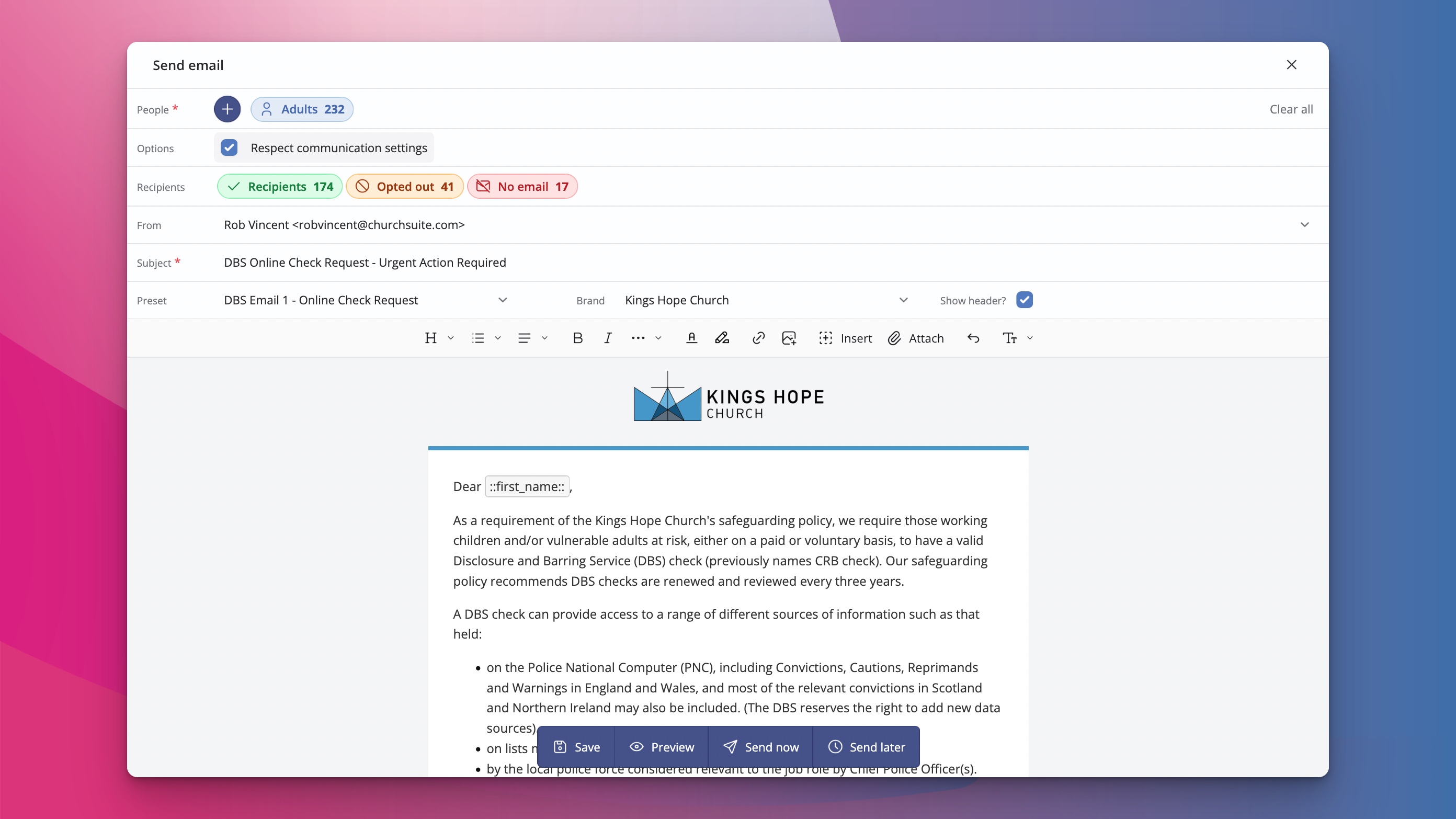
We're excited to introduce a brand-new email compose experience. It brings a fresh, modern interface together with some powerful new capabilities that make creating and sending emails smoother and more enjoyable.
This update continues our recent work to give you clearer, more intuitive tools — building on the fresh new design we recently shared.
A cleaner, more visual way to compose
The new experience opens with a clean, modern interface that gives you an immediate sense of what your email will look like.
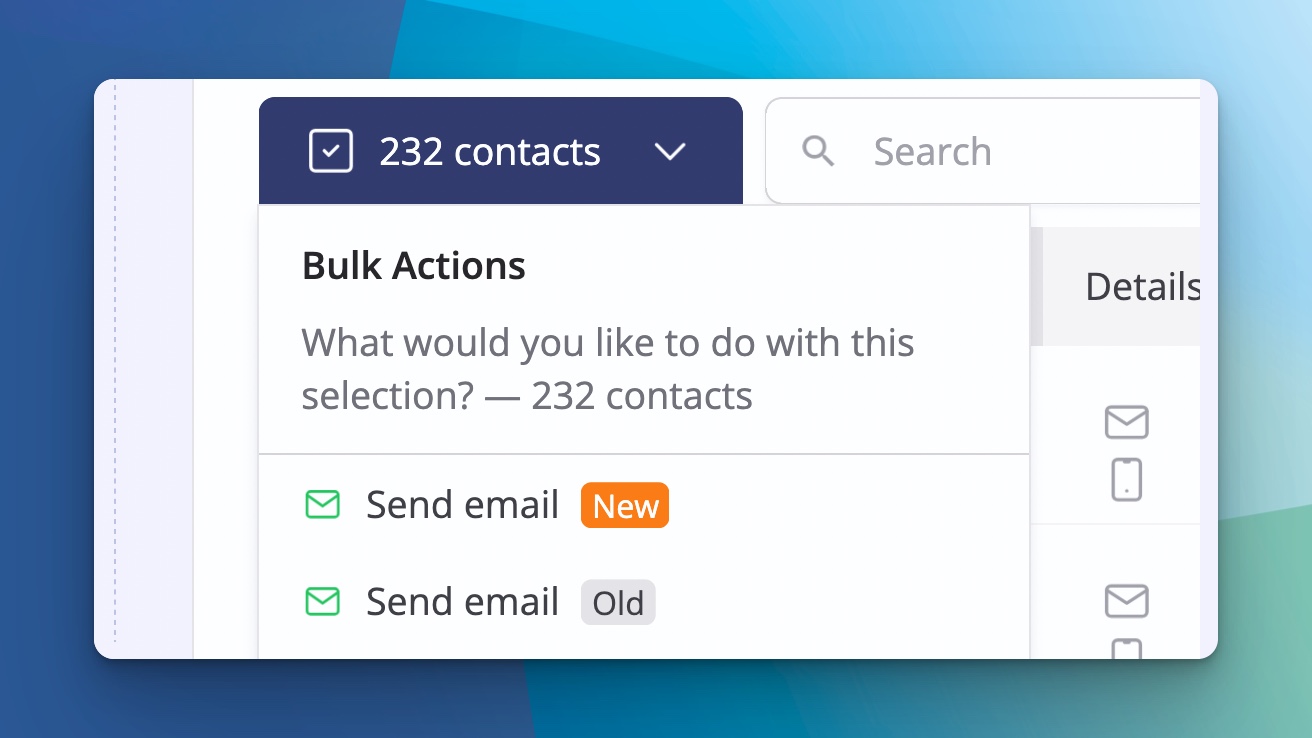
When you choose to send an email — whether from any of the "Send email" buttons across the system or the "More" menu on the Contacts or Children screens — you'll now see the option to use the new composer or the classic one. Both are currently available side by side.
Once you open the new composer, you can select from your existing email presets and instantly see a live visual preview. Toggle the header on or off, switch between brands you've configured, and the colours and styling will update automatically to match.
The editor is spacious and intuitive. You can insert merge fields, add ready-made content blocks (such as images with simple upload, buttons, tables and signatures), and drag blocks around to arrange everything exactly as you want. It's a noticeably more visual and polished way to build your emails.
Selecting recipients with clarity
Defining who receives your email is now clearer and more flexible too.
You can tick individuals directly or search and add people via tags. Tags from both the Address Book and the Children module now work together in the same email, allowing you to communicate with adults and children in one smooth flow.
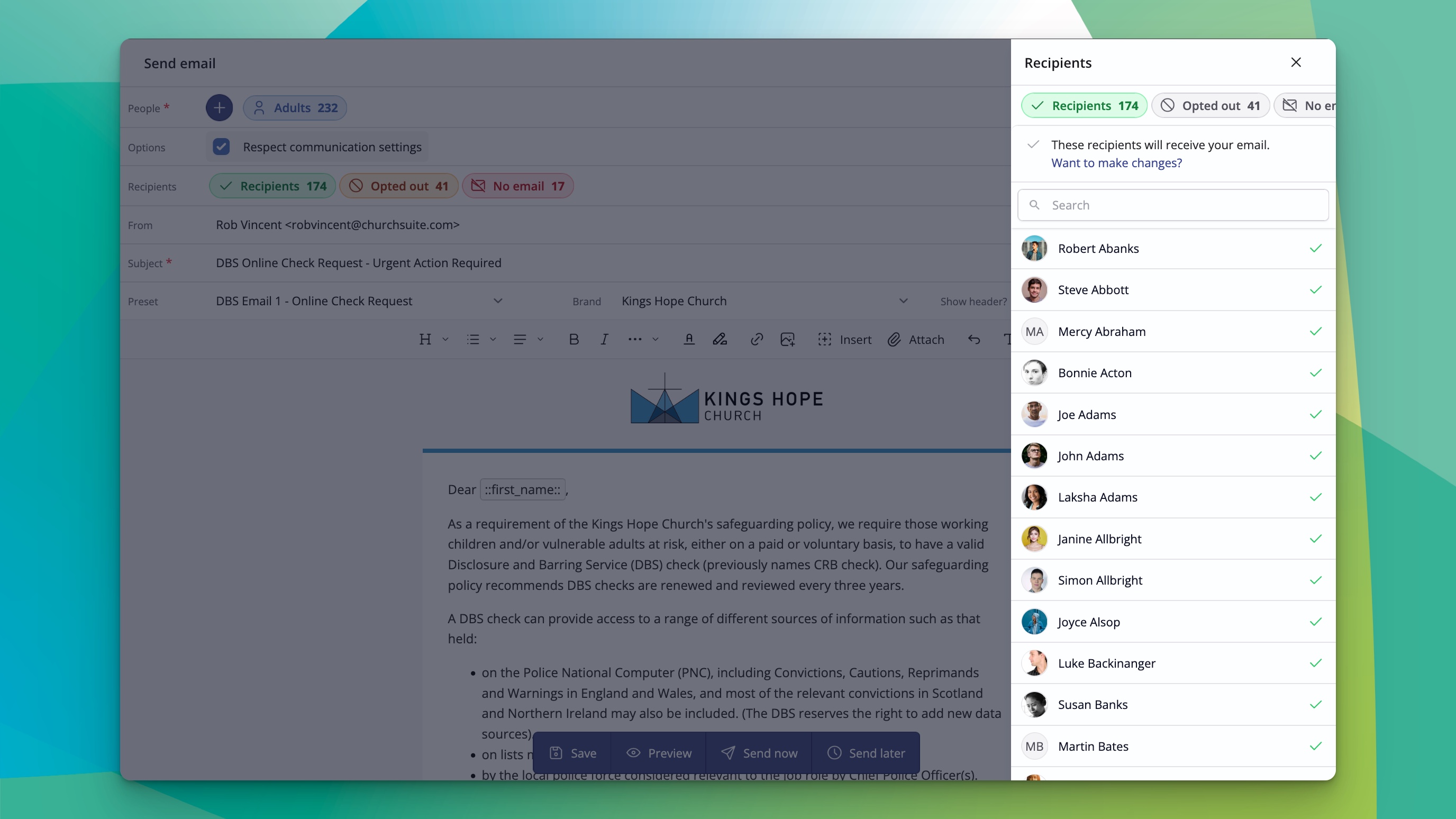
As you build your list, the composer clearly shows who will actually receive the message:
Which parent or carer will receive it on behalf of a child
Anyone who has opted out of communications (these preferences are respected automatically)
Anyone selected but without an email address
Simple options let you choose whether the email goes to Primary parent/carers only or all of them; children can also be contacted directly, assuming they have their own email address. Your complete recipient list is always crystal clear.
Helpful preview, saving and scheduling
Before sending, you can generate a quick preview for any specific recipient, with merge fields filled in with their real details. This makes it easy to check that everything looks right for that person.
When you're ready, you can save the email as a temporary draft to return to, save it as a reusable preset, send it immediately, or schedule it for later — all from one clear interface.
Improved form and event invite workflows
We've also improved how you invite people to forms and events.
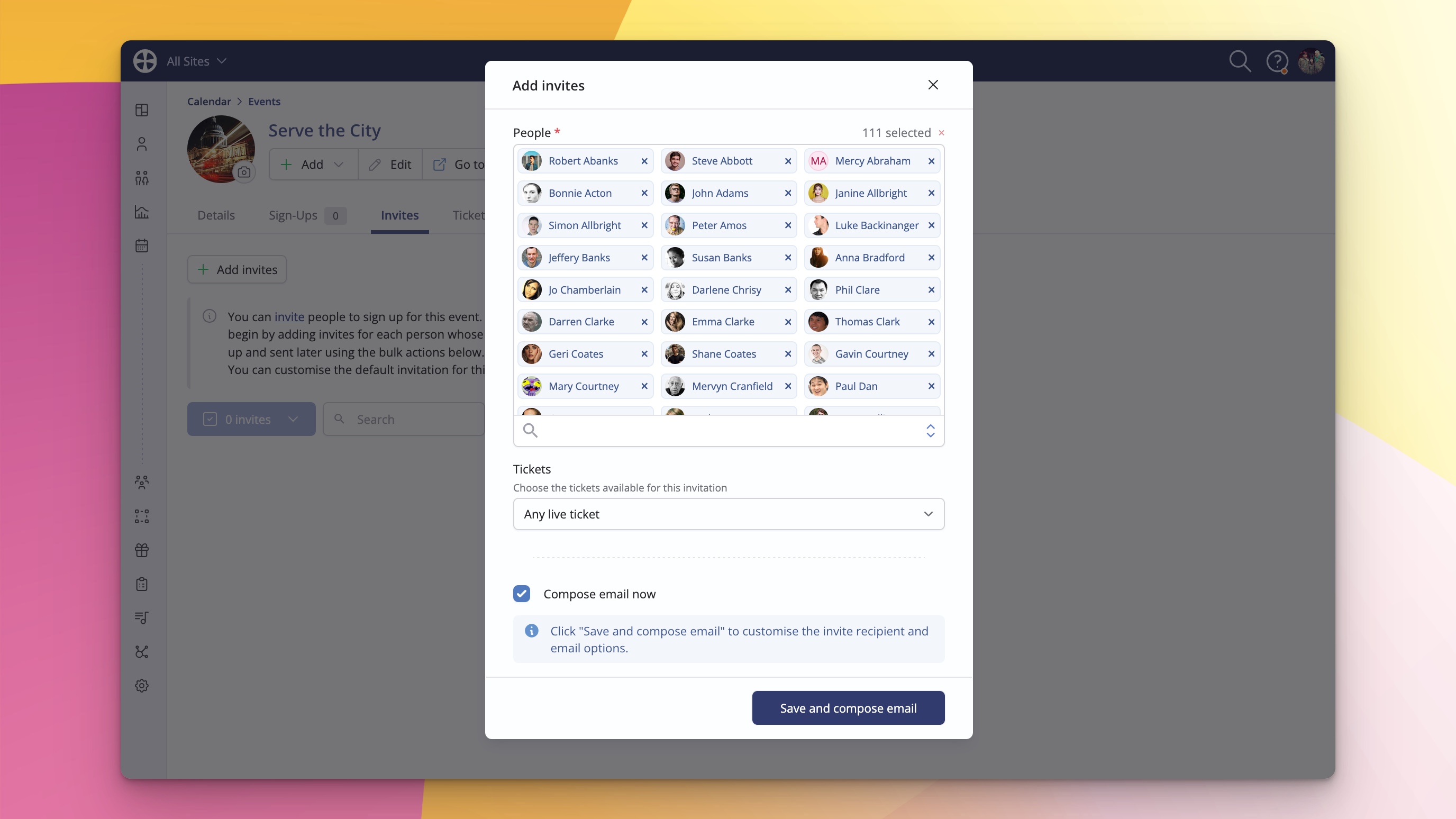
You can now edit the invitation email content directly from the Details tab of the form or event. Then, from the Invites tab, click "Add invites", select your recipients (including by tag), and either send immediately or schedule for later. The system respects the same clear recipient logic as the main composer, meaning you can now send an invite for a child, but choose whether it's sent to their parent/carer or the child themselves — a hugely helpful enhancement.
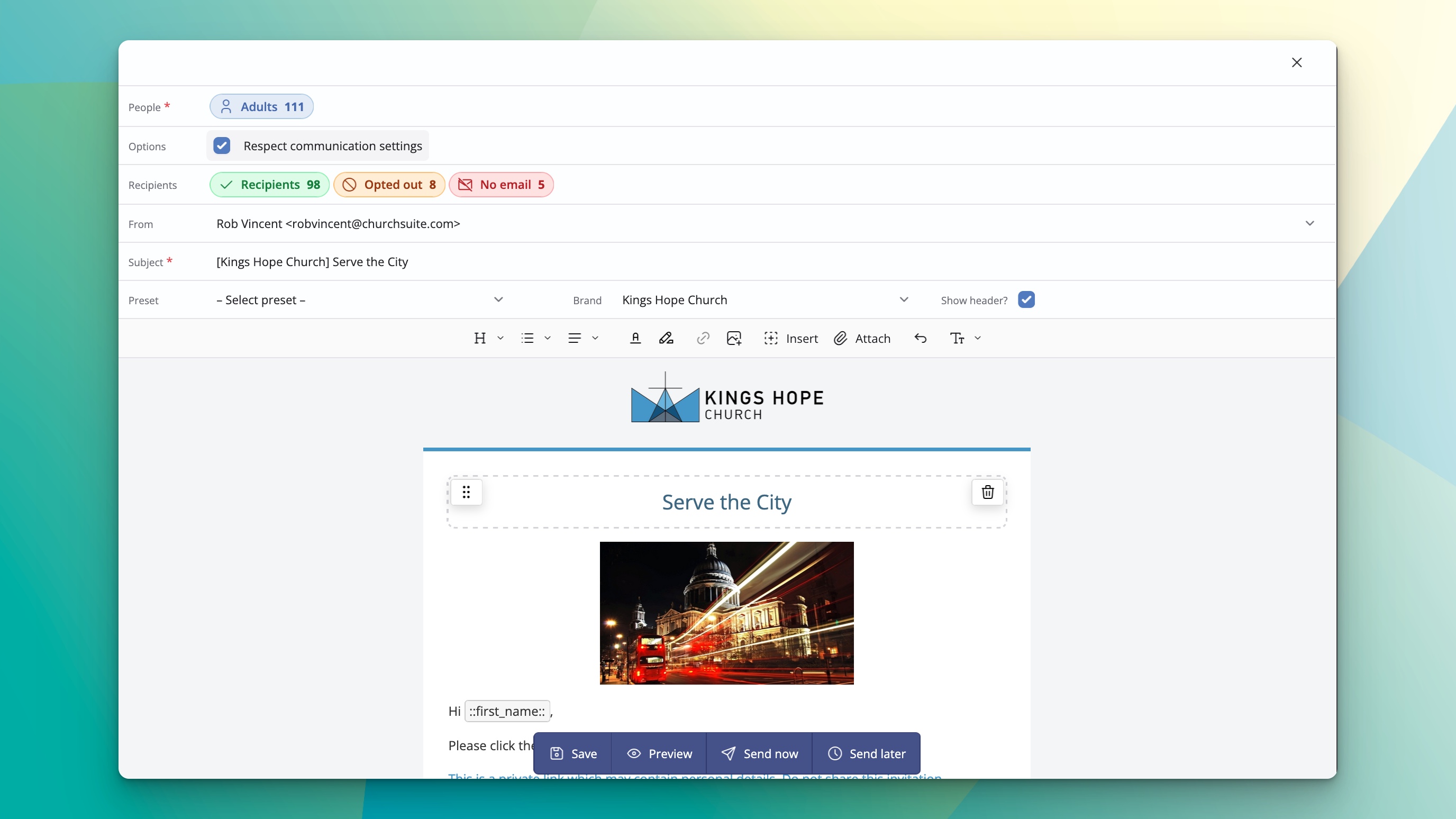
These workflow updates, together with the ability to "Send form invite" as a flow or form action, give you powerful new automation options based on a person being processed through a flow or a form response being received.
How to try the new email experience
The new email composer is now available to all accounts. The next time you go to send an email anywhere in ChurchSuite, you'll see the option to use the new experience alongside the classic composer. We'd encourage you to try the new one, but you can temporarily switch back to the classic version if you find the need to do so. In the coming months, we anticipate the new composer will become the default throughout the system.
We're really pleased with how this update has turned out. It gives you a more modern, visual way to create emails while making recipient selection and common workflows feel clearer and more connected.
We're here to help make those everyday communication tasks a little smoother — log in and give the new email experience a try the next time you send an email. We'd love to hear what you think — your feedback helps us keep improving.